
How Secure Is Your Website?
7 Sneaky Ways Hackers Can Break In
Is your website truly secure? As a business owner, you invest time, effort, and resources into building a strong online presence. But what happens if your website falls victim to a cyber attack? Unfortunately, hackers are becoming increasingly clever in their methods, constantly finding new ways to break into websites undetected.
In this article, we will uncover seven sneaky tactics employed by hackers to breach website security. We’ll delve into the tactics they use and the vulnerabilities they exploit, shedding light on lesser-known attack methods. By understanding how these hackers operate, you’ll be better equipped to protect your website and safeguard sensitive data.

The importance of website security
Website security is crucial for any business operating online. A breach in security can have severe consequences, including loss of customer trust, financial loss, and damage to your reputation. Hackers are constantly looking for vulnerabilities to exploit, making it essential to stay one step ahead.
Common vulnerabilities in WordPress websites
WordPress is one of the most popular content management systems (CMS) used for building websites. However, its widespread use also makes it a prime target for hackers. Common vulnerabilities in WordPress websites include outdated themes and plugins, weak passwords, and insecure user roles.
Outdated themes and plugins can contain vulnerabilities that hackers can exploit to gain unauthorized access. It’s crucial to keep your themes and plugins updated to ensure you have the latest security patches. Additionally, regularly auditing your website for unused or unnecessary plugins can reduce the potential attack surface.
Brute force attacks and how to prevent them
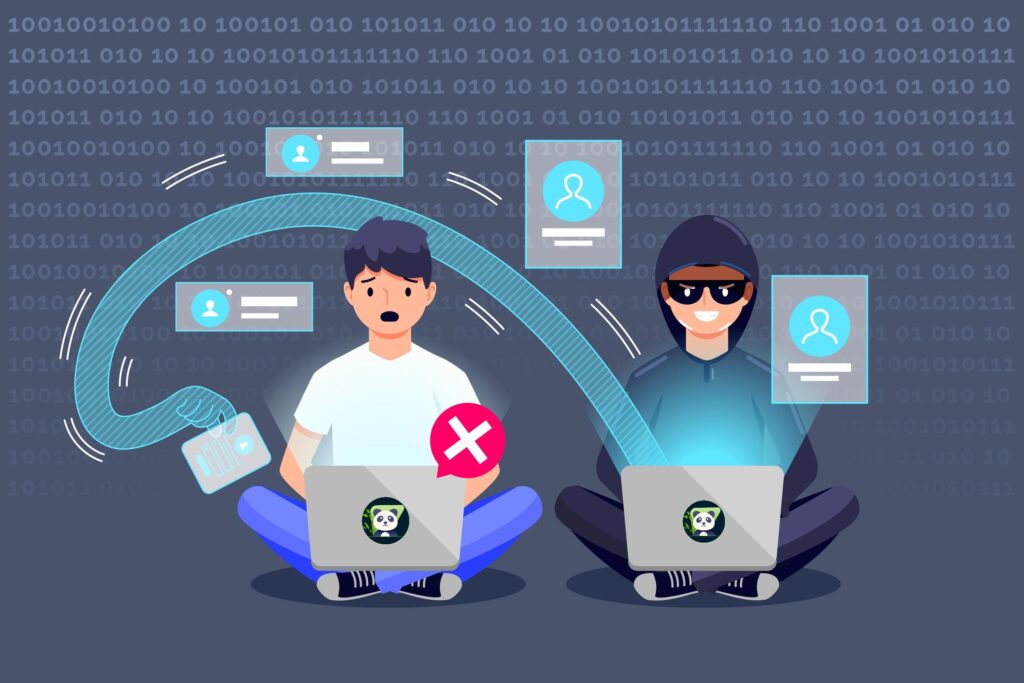
A brute force attack is a common method used by hackers to gain access to websites. It involves systematically trying all possible combinations of usernames and passwords until the correct one is found. To prevent brute force attacks, it’s essential to implement strong password policies, use two-factor authentication, and limit login attempts.
Creating complex passwords that include a mix of uppercase and lowercase letters, numbers, and symbols can significantly increase security. Additionally, using a password manager can help generate and store unique passwords for each of your online accounts.
Weak passwords and password management
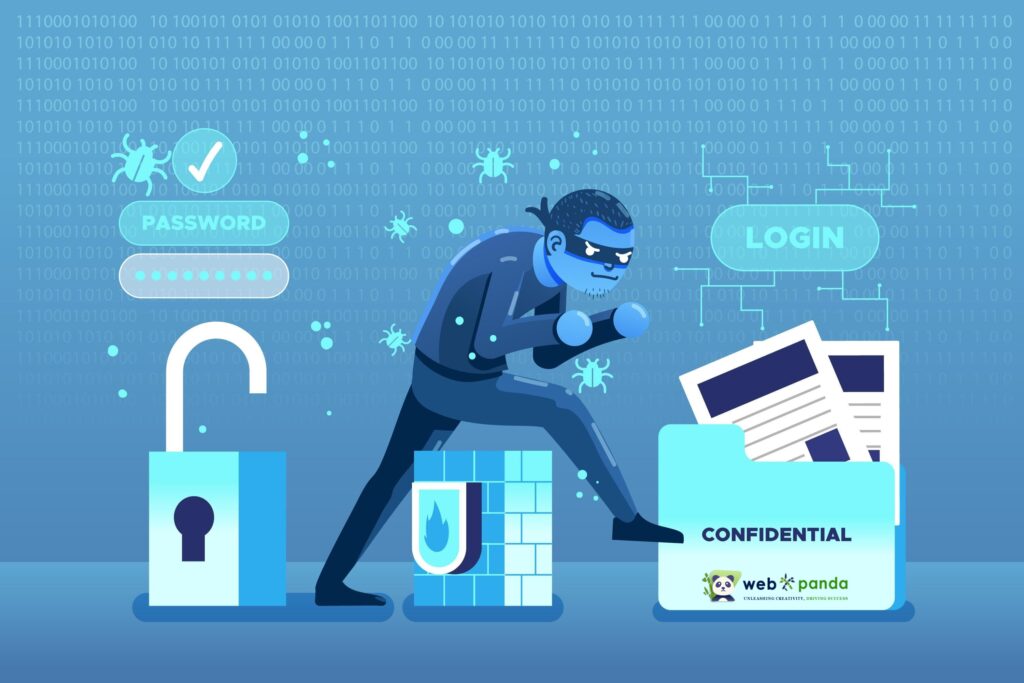
Weak passwords are a significant vulnerability that hackers can exploit to gain unauthorized access to your website. Many users still use common passwords or easily guessable combinations, making it easy for hackers to crack them. It’s crucial to educate yourself and your team about the importance of strong passwords and password management.
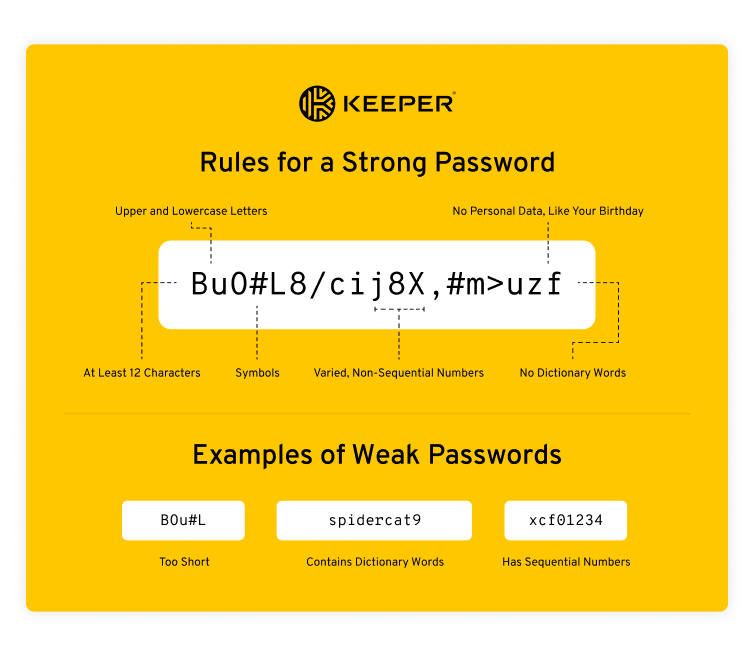
Using a password manager can help you generate and store complex passwords securely. Password managers also have features like password strength indicators and auto-fill, making it easier to use unique and strong passwords without the hassle of remembering them. How to make a strong password check out the PDF below –
Outdated themes and plugins
Outdated themes and plugins are a common entry point for hackers. These outdated versions often contain known vulnerabilities that hackers exploit to gain access to your website. It’s essential to regularly update your themes and plugins to ensure you have the latest security patches.
Additionally, it’s crucial to audit your website regularly for unused or unnecessary themes and plugins. Removing these reduces the potential attack surface and minimizes the chances of vulnerabilities being exploited.
Malware and how to protect against it
Malware, short for malicious software, is a common tool used by hackers to gain unauthorized access to websites and infect them with harmful code. Malware can have devastating effects, including data theft, website defacement, and spreading malware to visitors.
To protect against malware, it’s crucial to use reliable security plugins that scan your website for vulnerabilities and suspicious code. Additionally, keeping your software and plugins up to date, using a web application firewall, and regularly backing up your website can help mitigate the risk of malware infections.
Cross-site scripting (XSS) attacks
Cross-site scripting (XSS) attacks are a type of vulnerability that allows hackers to inject malicious scripts into web pages viewed by other users. These scripts can steal sensitive information, modify web content, or redirect users to malicious websites.
To prevent XSS attacks, it’s crucial to sanitize user input and validate any data received from users before displaying it on web pages. Using security headers like Content Security Policy (CSP) can also help mitigate the risk of XSS attacks.
SQL injection attacks and prevention
SQL injection attacks are another common method used by hackers to exploit vulnerabilities in websites. These attacks involve inserting malicious SQL code into input fields, allowing hackers to execute unauthorized database queries.
To prevent SQL injection attacks, it’s crucial to use parameterized queries or prepared statements when interacting with databases. These techniques ensure that user input is properly sanitized and treated as data, rather than executable code.
The role of web hosting in website security
Choosing a reliable and secure web hosting provider is crucial for website security. A weak or compromised hosting environment can make your website more vulnerable to attacks. When selecting a web hosting provider, consider factors like reputation, security measures in place, and regular backups.
Additionally, it’s essential to keep your hosting environment up to date with the latest security patches and follow best practices for server hardening. Regularly monitoring your website for suspicious activity and unauthorized access can also help detect and prevent security breaches.

Best practices for securing your WordPress site
Securing your WordPress site involves implementing a combination of best practices and security measures. Some essential practices include:
- Regularly updating WordPress core, themes, and plugins
- Using strong passwords and two-factor authentication
- Limiting login attempts and enforcing strong password policies
- Regularly auditing your website for unused themes and plugins
- Using reliable security plugins to scan for vulnerabilities and malicious code
By following these best practices, you can significantly enhance the security of your WordPress site and reduce the risk of unauthorized access and data breaches.
Essential security plugins for WordPress
WordPress offers a wide range of security plugins that can help enhance the security of your website. Some popular security plugins include – Wordfence, Sucuri Security, and iThemes Security. These plugins offer features like firewall protection, malware scanning, login security, and brute force attack prevention.
When choosing a security plugin, consider factors like ease of use, reputation, and compatibility with your specific WordPress setup. Additionally, ensure you keep your security plugins up to date to leverage the latest security enhancements and patches.
Regular website backups and disaster recovery plans
Regular website backups are crucial for ensuring that you can recover from a security breach or other catastrophic events. Backups should include both your website files and databases, and they should be stored securely in an offsite location.
In addition to regular backups, having a disaster recovery plan in place can help minimize downtime and ensure a swift recovery. A disaster recovery plan should outline the steps to be taken in the event of a security breach or other emergencies, including who to contact, how to restore backups, and how to communicate with stakeholders. One of the most popular backup plugin is – UpdraftPlus WordPress Backup & Migration Plugin.
The importance of SSL certificates for website security
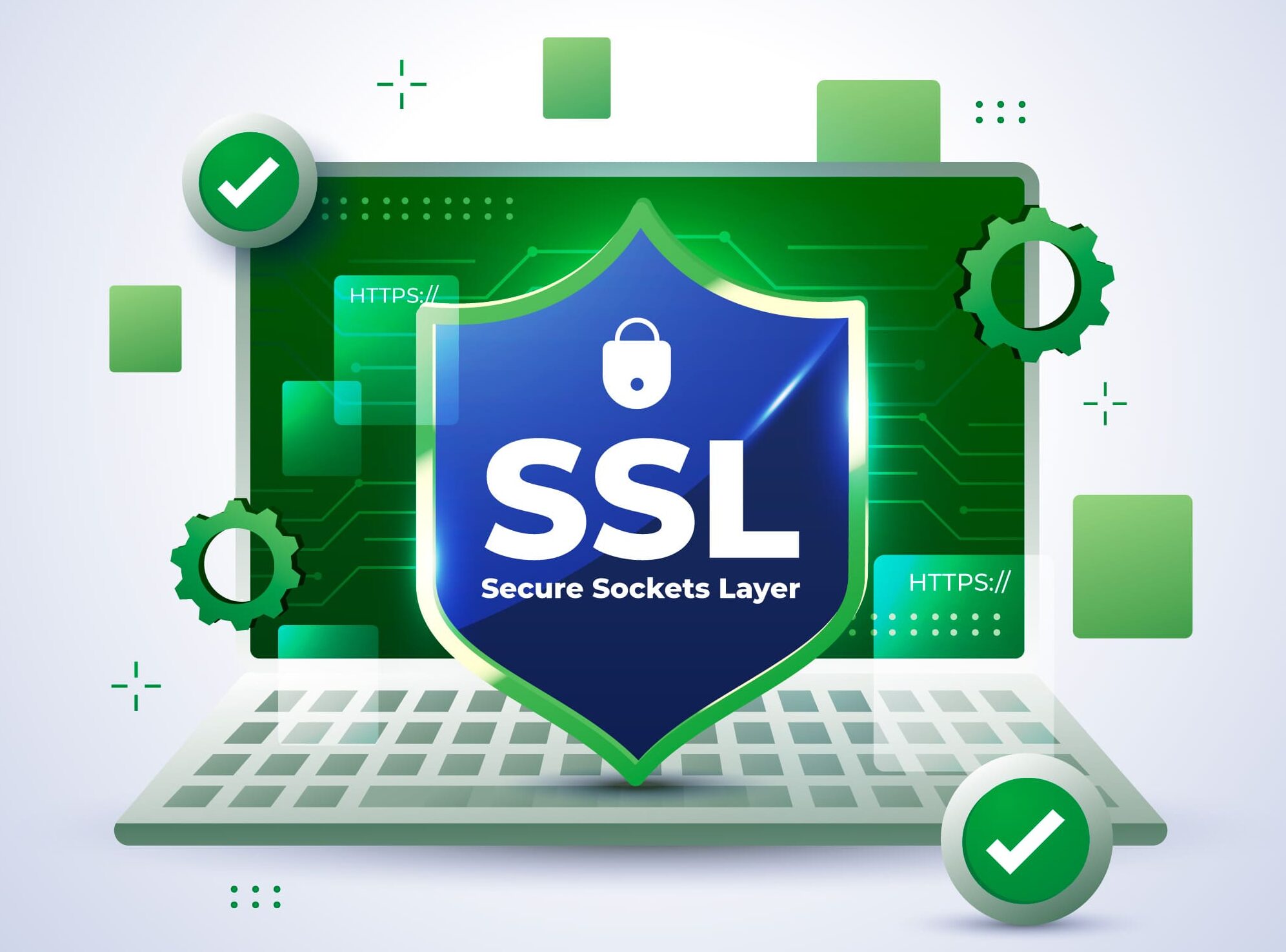
SSL certificates play a vital role in website security by encrypting data transmitted between a website and its visitors. They ensure that sensitive information, such as login credentials or credit card details, is transmitted securely and cannot be intercepted by hackers.
Having an SSL certificate installed on your website not only enhances security but also improves trust and credibility among your visitors. Google also considers SSL as a ranking factor, meaning having an SSL certificate can positively impact your website’s search engine visibility.

Hiring WordPress security experts
If you feel overwhelmed or lack the technical expertise to secure your website, hiring WordPress security experts can be a worthwhile investment. These professionals specialize in securing WordPress websites and can perform audits, implement security measures, and provide ongoing monitoring and support.
When hiring a WordPress security expert, look for individuals or agencies with a proven track record and positive reviews. Discuss your specific security needs and ensure they have experience with WordPress security best practices and techniques.
webxpand offering you the best website security services. Feel Free to contact with us – contact now
Conclusion
Securing your website should be a top priority for any business operating online. By understanding the sneaky tactics employed by hackers and implementing the necessary security measures, you can significantly reduce the risk of unauthorized access and data breaches.
From regularly updating your WordPress themes and plugins to implementing strong password policies and using security plugins, there are numerous steps you can take to enhance your website’s security. Additionally, regularly backing up your website, using SSL certificates, and considering the expertise of WordPress security professionals can provide an extra layer of protection.
Don’t let your hard work go to waste. Stay vigilant, stay informed, and take the necessary steps to ensure your website remains secure in the face of evolving cyber threats.